



7 Common Mistakes When Installing Conference Room AV (and How to Avoid Them)
January 28, 2026
7 Common Mistakes When Installing Conference Room AV (and How to Avoid Them)
Meetings shouldn’t start with troubleshooting.
Yet frozen screens, echoing audio, and “Can you hear me now?” moments are still far too common.
With hybrid work becoming the new normal, expectations for conference room AV have changed. Teams want audio video systems that feel simple, reliable, and invisible, whether participants are in the room or joining remotely.
When that doesn’t happen, it’s rarely user error. It’s usually a few avoidable mistakes made early in the conference room AV design process.
Below are the most common pitfalls and how experienced audio visual integrators like Applied Electronics help organizations avoid them.
What Conference Room AV Really Is (in Plain Language)
Conference room AV systems are the cameras, microphones, speakers, displays, and software that allow people to see, hear, and collaborate, no matter where they’re joining from.
Good AV fades into the background.
Bad AV becomes the meeting.
Mistake #1: Ignoring the Room Itself
AV systems live in real spaces, not diagrams.
Common problems include:
-
Cameras facing windows, creating glare or silhouettes
-
Inadequate lighting that leaves faces in shadow
-
Hard surfaces that cause echo and muddy audio
These issues aren’t technology failures. They’re design oversights.
How to avoid it:
Start with the room. Lighting, layout, and acoustics should inform every conference room AV setup, long before equipment is selected.
For example, when Applied Electronics was tasked with designing a large meeting event space, the team prioritized sightlines, lighting control, and speech clarity to ensure both in-room and remote participants could clearly follow the presentation.
TMX Market Centre

Mistake #2: Treating Every Room the Same
A four-person huddle room and a 20-seat boardroom don’t need the same solution.
Yet many organizations rely on one-size-fits-all setups that lead to:
-
Remote participants missing side conversations
-
In-room users struggling to hear or see clearly
-
Meetings that feel unbalanced and frustrating
How to avoid it:
Match conference room AV equipment to room size, seating layout, and how the space is actually used. Larger rooms often require multiple microphones, intelligent camera tracking, and appropriately scaled displays to create meeting equity.
Mistake #3: Undersized or Poorly Placed Displays
If people are squinting, leaning forward, or ignoring the screen altogether, the display isn’t doing its job.
Display issues often stem from:
-
Screens that are too small for the viewing distance
-
Poor mounting height or awkward angles
-
Too few displays for hybrid collaboration
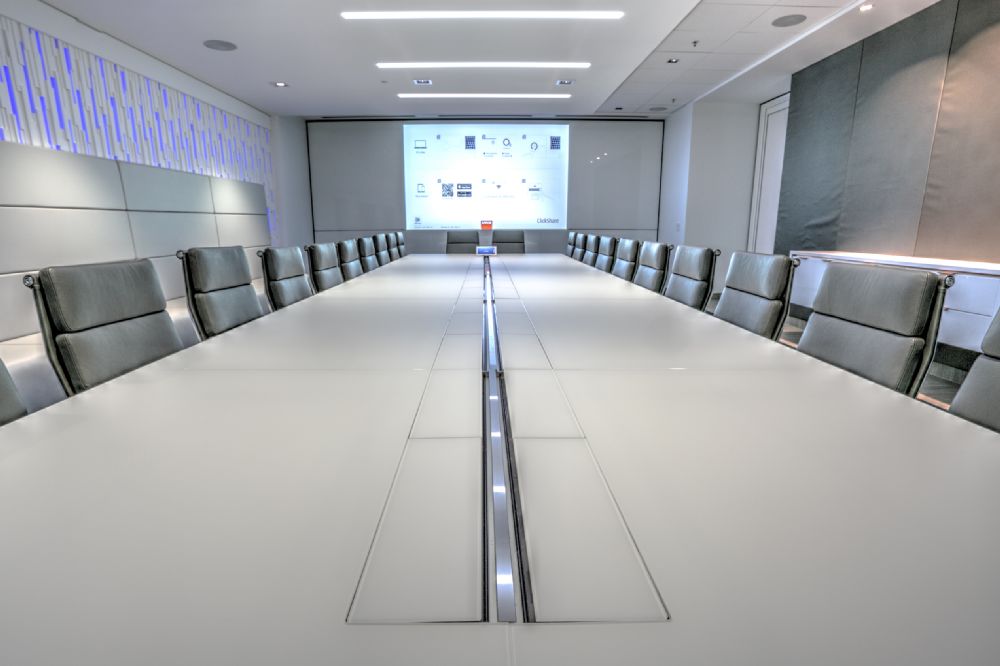
According to display size and viewing-distance guidance from AVIXA, screens must meet minimum viewing-angle thresholds to keep content legible for all participants. Undersized displays in oversized conference rooms will fail to deliver.
How to avoid it:
Use room dimensions and sightlines to determine display size and placement as a core part of your conference room AV system design.
Mistake #4: Designing for In-Person Meetings Only
Hybrid meetings aren’t a phase—they’re the default.
Rooms designed primarily for in-person use often leave remote participants:
-
Poorly framed on camera
-
Hard to hear
-
Less engaged in the discussion
How to avoid it:
Design for meeting equity. Everyone (remote or in-room) should be clearly seen, heard, and able to participate naturally.
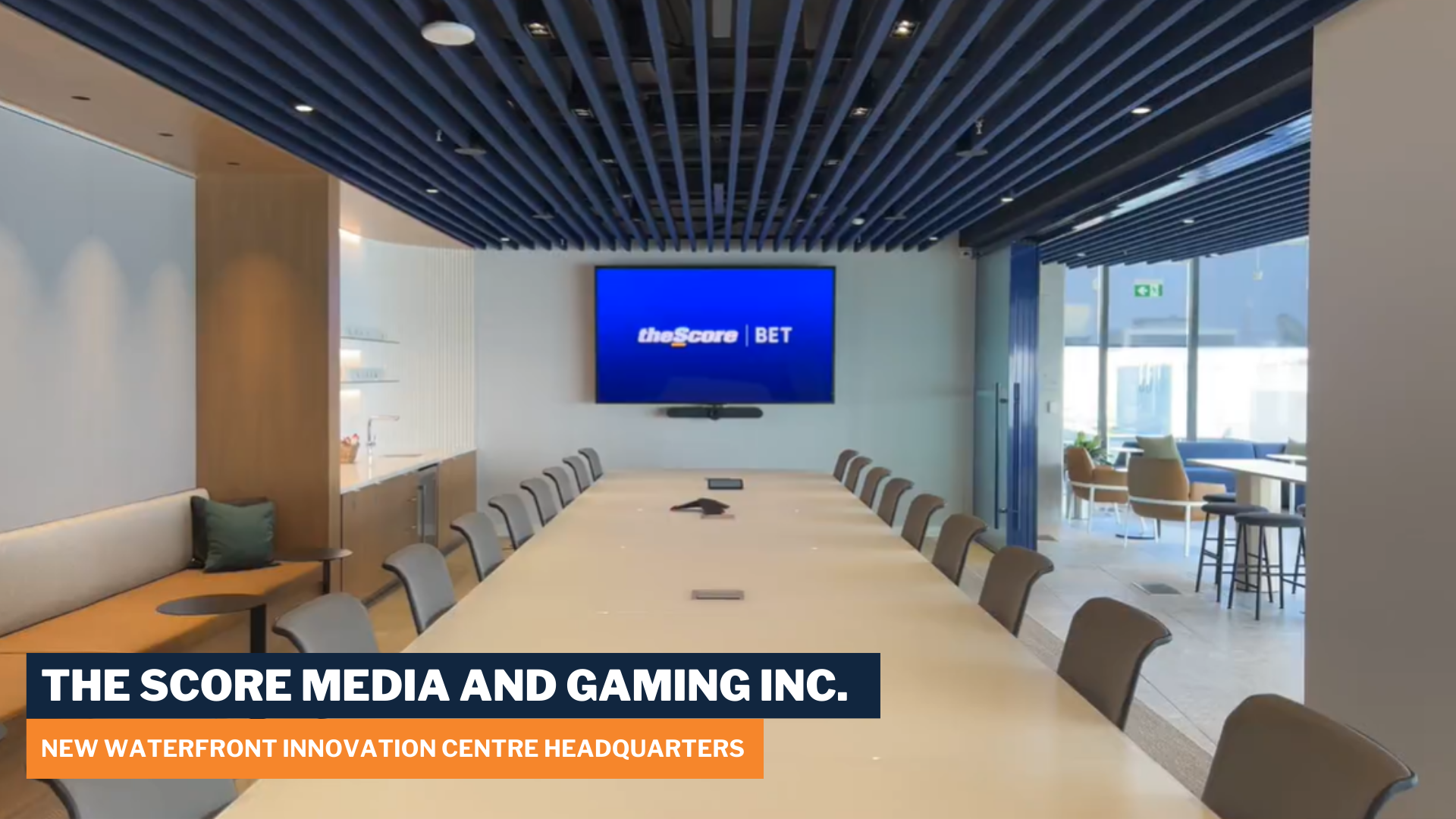
When supporting high-impact collaboration spaces for enterprise clients, Applied Electronics designs systems that balance camera framing, audio pickup, and content sharing so remote teams aren’t an afterthought.
theScore Waterfront Headquarters
Mistake #5: Overlooking Software Compatibility
Great hardware won’t save a system that doesn’t work smoothly with your meeting platforms.
Common issues include:
-
Poor integration with Microsoft Teams or Zoom
-
Confusing user interfaces
-
Frequent update-related disruptions
How to avoid it:
Choose conference room AV software that aligns with how your teams actually meet, not how you wish they did. This ensures the hardware and software are designed to work together from day one.
Mistake #6: No Plan for User Adoption
Even the best AV systems fail if people don’t feel confident using them.
Without training and support:
-
Rooms go unused
-
IT support requests spike
-
ROI drops quickly
How to avoid it:
Plan for intuitive controls, onboarding, and ongoing support, not just installation day.
In education environments like advanced learning and collaboration spaces, Applied Electronics pairs intuitive system design with training and long-term support to ensure technology is actually used.
St. Clair College Esports & Collaboration Spaces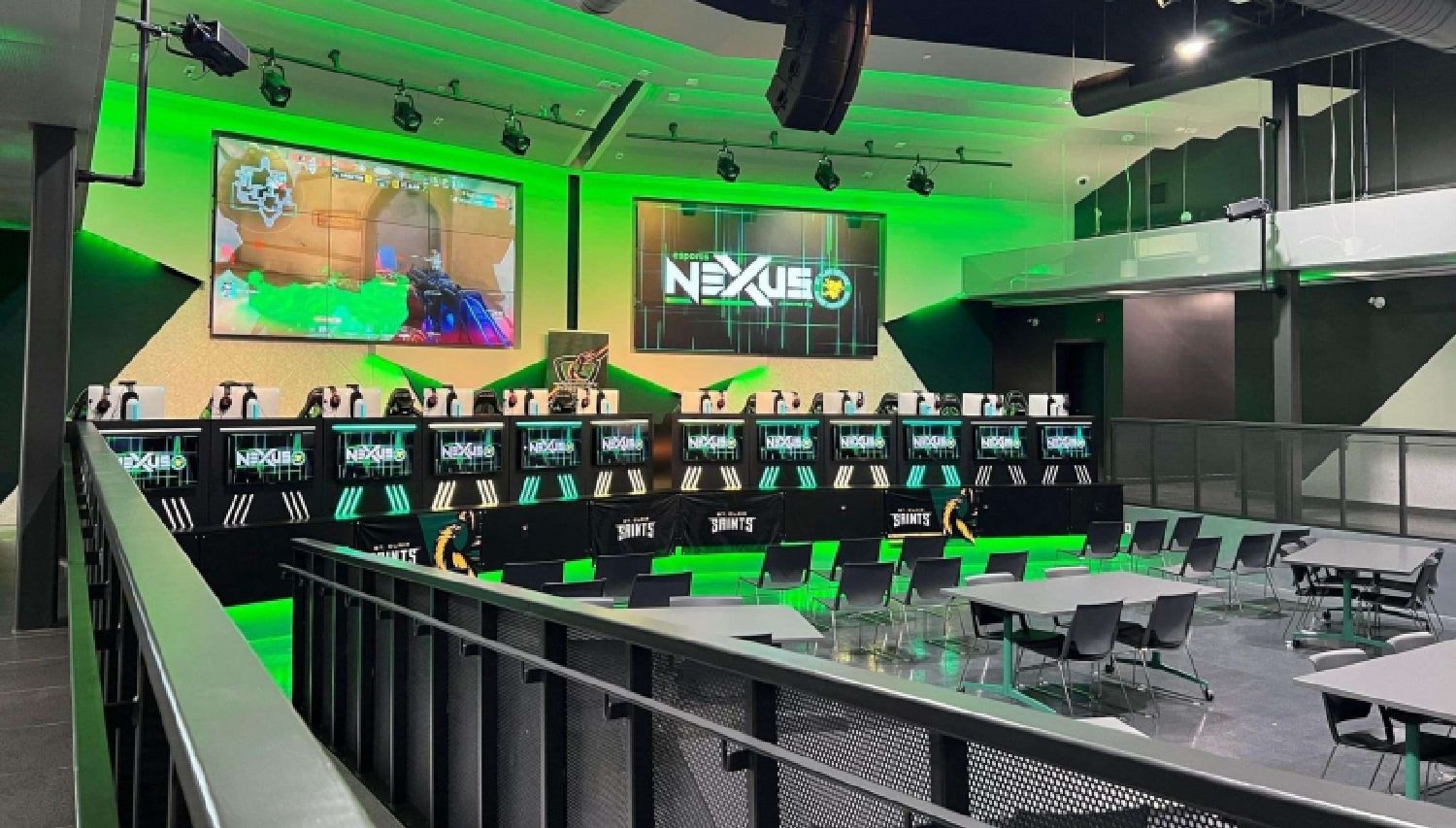
Mistake #7: Skipping Testing, Monitoring, and Long-Term Support
AV isn’t “set it and forget it.”
Without monitoring and maintenance:
-
Small issues become meeting-stoppers
-
Software and firmware fall behind
-
Reliability declines over time
This is especially risky for multi-site and hybrid organizations.
How to avoid it:
Work with an integration partner that offers testing, proactive monitoring, and service agreements. This keeps those systems working at optimum long after installation.
Conference Room AV Equipment Must-Haves
At a minimum, effective conference rooms should include:
-
Properly sized and positioned displays
-
Cameras with intelligent framing or speaker tracking
-
Microphones designed for the room’s acoustics
-
Evenly distributed speakers
-
Reliable conferencing software
-
Ongoing monitoring and support
Conference Room AV Works Best When Design Comes First
Most conference room AV problems aren’t caused by one bad decision.
They come from a mix of:
-
Design shortcuts
-
Mismatched equipment
-
Lack of training and long-term support
The fix isn’t more technology.
It’s better planning. And the right partner.
Ready to Fix Your Conference Room AV?
If your meetings are still fighting the room, it’s time for a different approach.
Whether you’re upgrading a single boardroom or standardizing systems across multiple sites, Applied Electronics helps organizations design conference room AV systems that actually work.
Time to transform your meeting space?